
Setting the campaign language
Setting the campaign language
Replenish allows you to choose the language used in the Order Status Page widget and replenishment reminder emails.
The selected language will control the text shown to customers when they opt in to reminders and when they receive reminder emails.
Changing the language
Open the Settings page in the Replenish app.
Scroll to Language Settings.
Select your preferred language from the Preferred Language dropdown.
Save your settings.
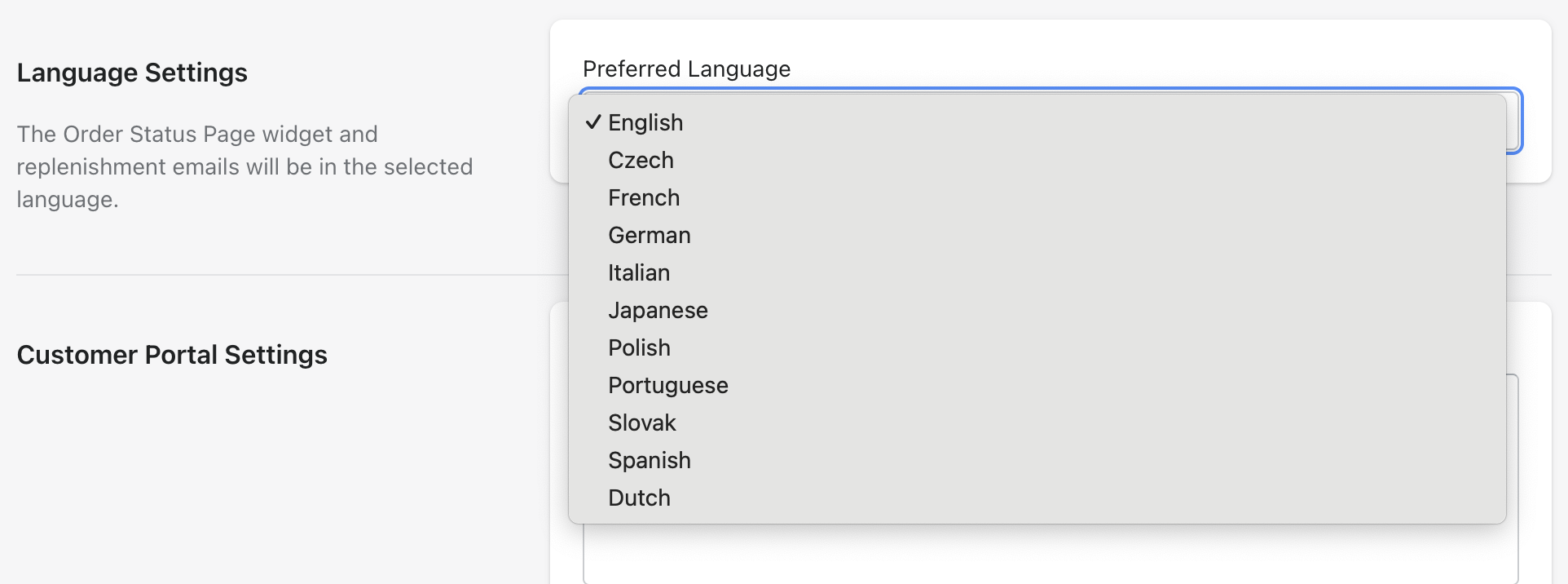
The Order Status Page widget and reminder emails will now use the selected language.
Need help?
If you need any help setting up Replenish, have questions about how it works, or would like a demo, we're here to help.
Email us at [email protected] and we'll get back to you as soon as possible.